How do I find someone's email from their LinkedIn profile?
Updated 30 October 2026
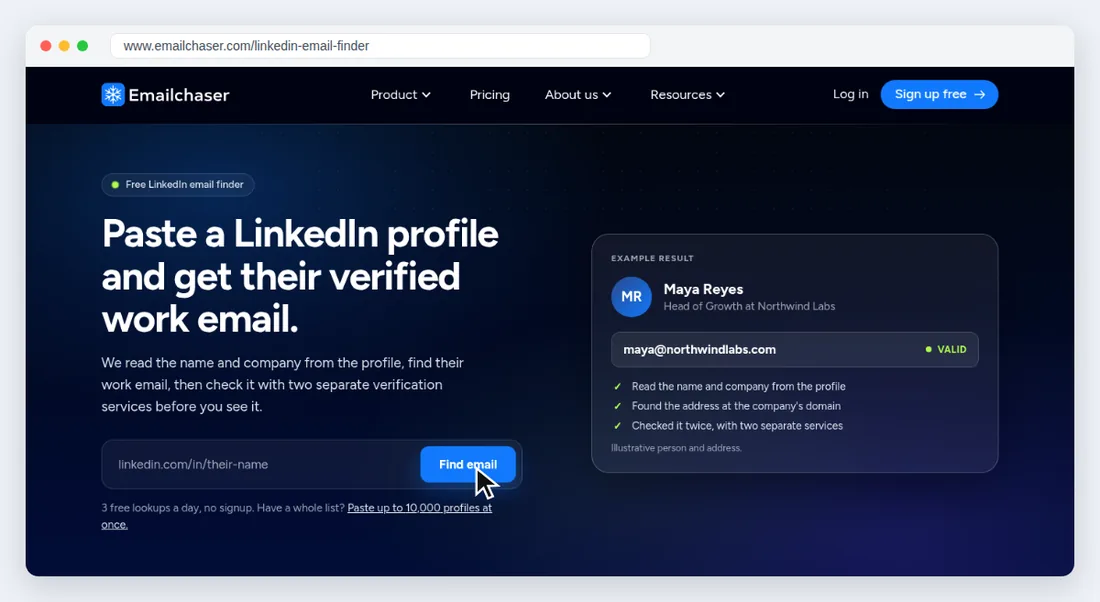
Paste the person's LinkedIn profile link into Emailchaser's free LinkedIn Email Finder. It reads their name and company, finds their work email at the company's domain and checks it with two separate verification services. You get 3 free lookups a day with no signup, and up to 10,000 profiles in one run inside Emailchaser.
You can look up one profile in three steps.
- Copy the person's linkedin.com/in/ link, from any country's LinkedIn site.
- Paste it into the LinkedIn Email Finder and press Find email.
- Read the result: their work email, job title and company, checked before you see it.
You can find emails for a whole list or a Sales Navigator search.
Inside Emailchaser, paste your profile links or upload a CSV, up to 10,000 links in one run, and download the emails as a spreadsheet. For a Sales Navigator search, add our Lead Finder extension and click “Export with Emailchaser”, up to 2,500 leads per LinkedIn account a day.
A profile costs 5 credits and a profile we can't match costs nothing, so Starter covers 300 profiles a month, Pro covers 1,000 and Max covers 2,000.