The 8 Best LinkedIn Scraper Tools in 2026
A LinkedIn scraper turns a LinkedIn search into a spreadsheet of prospects. These are the eight prospecting tools we would shortlist, compared on what they export, whether the emails come verified and what each lead costs.
Updated 5 November 2026
Emailchaser is our pick. Its free Lead Finder extension exports a LinkedIn Sales Navigator search as a CSV with every work email double-verified, you pay only for the address checks at $0.0034 a lead at most, and the same account sends the campaign.
Evaboot, Wiza and Skrapp export searches for a monthly credit price. PhantomBuster, Waalaxy, Dux-Soup and Linked Helper automate actions on LinkedIn as well.
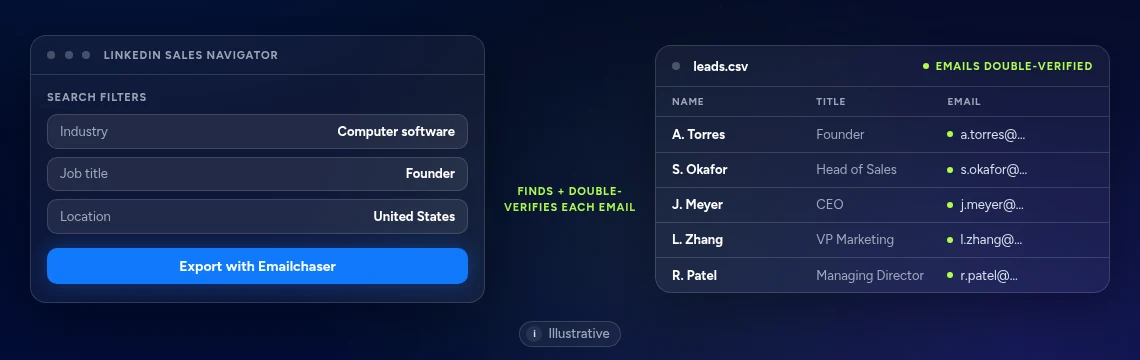
Here is how the eight LinkedIn scraper tools compare at a glance.
Swipe sideways to see every column.
| # | Tool | What it takes from LinkedIn | Entry price | Free start | Also in the account |
|---|---|---|---|---|---|
| 1 |  Emailchaser | Sales Navigator searches and profile links, with emails verified twice | $0.0034 a lead at most | 3 free lookups a day, 7-day free trial | Campaigns with follow-ups, Unibox, Sales CRM and warm-up |
| 2 | Evaboot | Sales Navigator search results | Starter, $9 a month for 100 credits | See their site | Email finder and verifier, CRM webhooks and an API |
| 3 | Wiza | LinkedIn lists, with emails and phone numbers | Starter, $49 a month per user | 20 valid emails, 5 phone numbers | CRM integrations and team analytics |
| 4 | PhantomBuster | Whatever its automations are set to collect | Start, $69 a month | A free trial | Automation slots and AI credits |
| 5 | Skrapp | LinkedIn, Sales Navigator and Recruiter profiles | Professional, $39 a month | 50 free credits | Email finder and verifier, CRM sync |
| 6 | Waalaxy | Sales Navigator and Recruiter Lite imports | Pro, $19 a month per user | 14-day free trial | LinkedIn campaigns and, on Business, cold email |
| 7 | Dux-Soup | Profile data from LinkedIn, Sales Navigator and Recruiter | Local, $55 a month per seat | See their site | Drip campaigns and contact management |
| 8 | Linked Helper | Full profiles and organizations | Standard, $29.90 a month | A free trial | Campaigns, webhooks and data enrichment credits |
Prices and features as published on each vendor's own pages, monthly billing, read on 5 November 2026. Each card below links to the vendor's page.
Where a vendor prints a price for each lead or email, Emailchaser's works out to a fraction of a cent.
Emailchaser's figure is the most two address checks can bill, at $0.0017 each, because the Lead Finder extension is free and an export is billed as checks. Evaboot's are the per-credit prices on its plans, where one credit is one lead with its verified email, and Wiza's is its price for each email beyond a plan's allowance. Evaboot and Emailchaser both need your own Sales Navigator subscription. Read 5 November 2026.
LinkedIn scrapers fall into three kinds, and the kind decides how you pay and what you do next.
Evaboot, Wiza and Skrapp turn a search or a list into a spreadsheet with emails, and charge by the lead or credit.
PhantomBuster, Waalaxy, Dux-Soup and Linked Helper run actions on LinkedIn and can export what they collect, and charge by the seat or the plan.
Emailchaser exports the search, verifies every email twice and sends the campaign, so the export does not end in a spreadsheet.
Emailchaser handles one profile, a list of profile links or a whole Sales Navigator search.
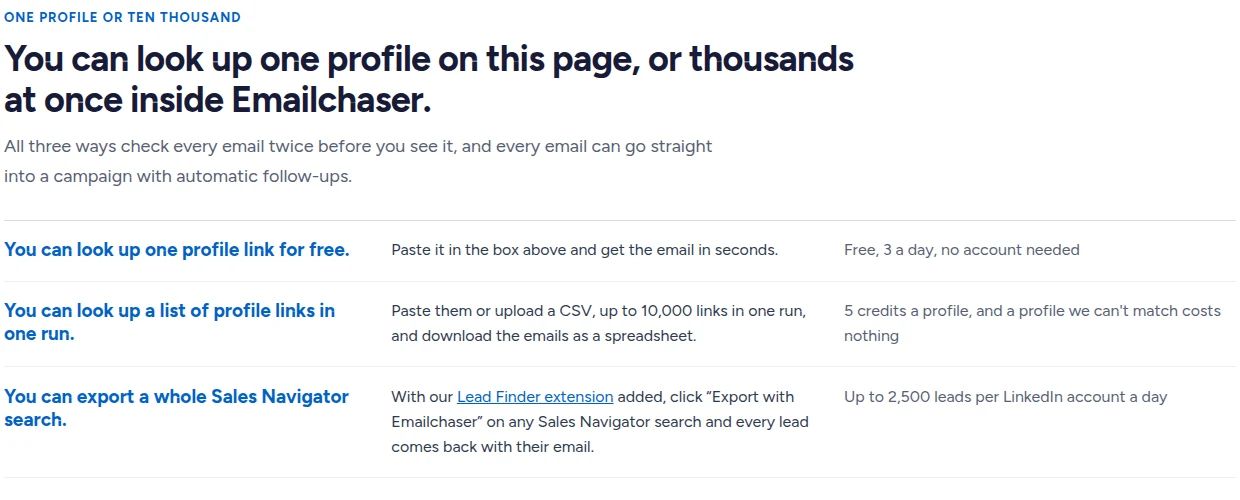
Export a Sales Navigator search with verified emails in five steps.
- Sign upCreate an Emailchaser account, which the extension needs to run.
- InstallAdd the free Lead Finder extension to Chrome.
- SearchBuild your search in LinkedIn Sales Navigator.
- ExportClick Export with Emailchaser to download a CSV of leads with their emails.
- SendUpload the CSV to a campaign with automatic follow-ups.
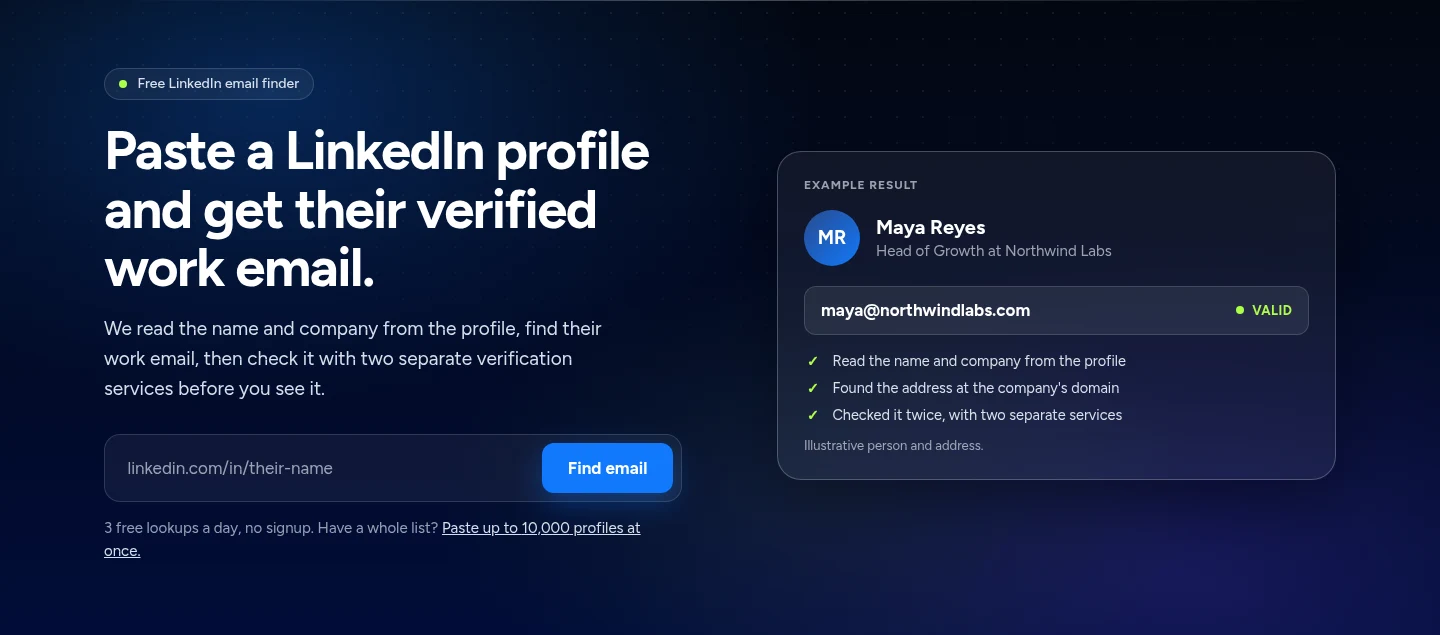
For one person, paste a profile link and get the work email in under a minute.
We compared them on five things that decide which scraper fits a prospecting team.
- What it takes from LinkedIn: a Sales Navigator search, a profile list or whatever you automate.
- Whether the email comes verified, or you have to check the list yourself.
- How the price is set: per lead, per credit, per seat or per automation.
- What a free start gives you before you pay.
- Whether the leads go straight into the account that sends the campaign.
Every fact below comes from the vendor's own pages, read on 5 November 2026.
These are the eight LinkedIn scraper tools worth a look in 2026.
1. Emailchaser's free Lead Finder extension exports a Sales Navigator search with every email double-verified, for $0.0034 a lead at most.
Install the free Lead Finder extension, search in LinkedIn Sales Navigator and click Export with Emailchaser. Every lead comes back in a CSV with its work email found and verified twice, ready to upload to a campaign that Emailchaser sends.
- The extension is free, and an export is billed only as address checks: $0.0017 a check, one or two checks per address, so a lead with its email costs at most $0.0034.
- One LinkedIn account exports up to 2,500 Sales Navigator leads a day.
- The LinkedIn email finder takes profile links instead: 3 free lookups a day, and up to 10,000 links in one run inside Emailchaser at 5 credits a profile.
- Emailchaser found 88 of 100 work emails in our August 2026 test, against 67 for Hunter.
Best for: Teams that already use Sales Navigator and want verified emails and the campaign in one account.
2. Evaboot charges a credit for each lead it exports from Sales Navigator, from $0.049 to $0.09 a credit.
Evaboot exports the results of your own Sales Navigator searches. Its pricing page says one lead exported is one credit, with the verified email included, and that you pay per lead, not per seat or per feature.
- Starter is $9 a month for 100 credits, Grow is $29 for 400 and Scale is $49 for 1,000.
- A lead it finds no email for still costs 1 credit, and unused credits roll over while the subscription is active.
- One search exports up to 2,500 leads, which its FAQ says is LinkedIn's own ceiling.
- It needs an active Sales Navigator seat, and it does not find phone numbers.
Best for: Sales teams that export now and then and want a small monthly price.
Source: evaboot.com/pricing, read 5 November 2026.
3. Wiza's Starter plan is $49 a month per user for 100 valid emails, with phone numbers on higher plans.
Wiza's pricing page lists a free plan with 20 valid emails and 5 phone numbers, then Starter, Email and Email + Phone plans billed monthly per user.
- Email is $99 a month per user for 500 valid emails, and Email + Phone is $199 for 500 emails and 500 phone numbers.
- Extra valid emails cost $0.15 each and extra phone numbers $0.35 each.
- The page says paying yearly gives unlimited credits.
Best for: Prospectors who want phone numbers next to the emails from a LinkedIn list.
Source: wiza.co/pricing, read 5 November 2026.
4. PhantomBuster's Start plan is $69 a month for 5 automation slots and unlimited exports.
PhantomBuster sells automation slots and execution time rather than a single export button. Its pricing page lists a Start plan with 5 automation slots, 20 hours of execution time a month and 500 email credits a month.
- Grow is $159 a month for 15 slots and 2,500 email credits, and Scale is $439 for 50 slots and 10,000 email credits.
- The free trial limits exports to 10 rows.
- Annual billing saves 20%, and every plan has unlimited users.
Best for: Technical teams that want to chain several LinkedIn automations together.
Source: phantombuster.com/pricing, read 5 November 2026.
5. Skrapp has a free plan with 50 credits and a $39 plan with extensions for all three LinkedIn products.
Skrapp's pricing page lists integrations with LinkedIn Basic, Sales Navigator and LinkedIn Recruiter on every plan, and says you only pay for deliverable emails.
- Professional is $39 a month for 2,000 credits and 2 users, with multi-page enrichment, a List Saver for Sales Navigator and list exports.
- Enterprise is $349 a month for 50,000 credits and 15 users, and adds an API.
- Credits roll over on paid plans.
Best for: Small teams that want a low-priced extension on whichever LinkedIn product they use.
Source: skrapp.io/pricing, read 5 November 2026.
6. Waalaxy's Pro plan is $19 a month per user and imports prospects from Sales Navigator.
Waalaxy is a LinkedIn outreach tool first. Its plan comparison lists imports from LinkedIn Basic, Sales Navigator and Recruiter Lite and CSV imports and exports, with campaigns and follow-ups on top.
- Pro is $19 a month per user for 300 invites a month, Advanced is $39 for 800 and Business is $69 for 800.
- Business adds cold email sequences and 500 email finder credits a month.
- Every plan has a 14-day free trial.
Best for: Teams that want to message LinkedIn prospects from the same tool that imports them.
Source: waalaxy.com/pricing, read 5 November 2026.
7. Dux-Soup runs on your own computer from $55 a month per seat, or in its cloud from $99.
Dux-Soup's pricing page sells STACKED local, a desktop app, and STACKED cloud, which runs on its own servers. Its feature list includes drip campaigns, contact management and an export of LinkedIn data to a CSV.
- It lists compatibility with LinkedIn, Sales Navigator and Recruiter.
- Yearly billing takes local to $41.25 a month per seat and cloud to $74.17.
- Native integrations include Slack, Salesforce, Pipedrive and HubSpot, plus Zapier and Make.
Best for: Solo prospectors who prefer a desktop app they control.
Source: dux-soup.com/pricing, read 5 November 2026.
8. Linked Helper's Standard license is $29.90 a month and scrapes full profiles and organizations.
Linked Helper's pricing page lists full-profile and full-organization data scraping, searches across LinkedIn, Sales Navigator and Recruiter, and unlimited campaigns on its Standard license.
- The $29.90 price is per license for a 1-month term with cloud storage, and longer terms are discounted up to 45% for 12 months.
- Standard lists 620 data credits a month for contact data enrichment, and Pro lists 3,100.
- Webhooks and Zapier, Make and n8n are listed on both plans.
Best for: Teams that want to scrape profile data and run campaigns from one LinkedIn tool.
Source: linkedhelper.com/pricing, read 5 November 2026.
The right LinkedIn scraper depends on whether you export, automate or send.
| Your job | Start with |
|---|---|
| Export a Sales Navigator search with verified emails and send to it | Emailchaser |
| Pay a small monthly price per lead exported | Emailchaser, Evaboot or Skrapp |
| Get phone numbers beside the emails | Wiza |
| Chain several LinkedIn automations together | PhantomBuster |
| Message LinkedIn prospects from the tool that imports them | Waalaxy, Dux-Soup or Linked Helper |
Related reading: the best LinkedIn email finder tools, the best sales prospecting tools, the best lead generation tools and how to keep your LinkedIn account safe. To try one profile free, use the LinkedIn email finder.
People ask these questions about LinkedIn scraper tools.
What is the best LinkedIn scraper in 2026?
For prospecting teams that email the people they scrape we pick Emailchaser: the Lead Finder extension is free, every exported email is double-verified, an export is billed as address checks at $0.0034 a lead at most, and the same account sends the campaign. Evaboot, Wiza and Skrapp are the other exporters with prices on their pages.
What is a LinkedIn scraper?
It is a tool that collects profile details from LinkedIn searches or profile pages into a spreadsheet, usually with a work email added. The ones in this guide are for prospecting, so they export names, titles, companies and emails.
How do I export leads from LinkedIn Sales Navigator with emails?
Install a Sales Navigator exporter, run your search and click its export button. With Emailchaser's free Lead Finder extension, you click Export with Emailchaser and download a CSV where every lead has its work email, double-verified.
Do I need Sales Navigator to scrape LinkedIn?
For a whole-search export, yes: Emailchaser's Lead Finder and Evaboot both work on your own Sales Navigator searches. For single profiles you do not: paste a profile link into Emailchaser's LinkedIn email finder, which gives 3 free lookups a day with no signup.
How many leads can I export from LinkedIn a day?
With Emailchaser, one LinkedIn account exports up to 2,500 Sales Navigator leads a day. Evaboot's FAQ says one search exports up to 2,500 leads, which is LinkedIn's own ceiling.
How much does a LinkedIn scraper cost?
It ranges from free to a few hundred dollars a month. From the vendors' own pages: Emailchaser's extension is free and an export is billed as address checks, Evaboot starts at $9 a month, Skrapp at $39, Linked Helper at $29.90, Waalaxy at $19 per user, Dux-Soup at $55 per seat, Wiza at $49 per user and PhantomBuster at $69.
Can I try a LinkedIn scraper for free?
Yes. Emailchaser's LinkedIn email finder gives 3 free lookups a day and the Lead Finder extension is free to install. Skrapp has a free plan with 50 credits, Wiza has 20 valid emails, Waalaxy has a 14-day free trial and PhantomBuster has a free trial that limits exports to 10 rows.
Is scraping LinkedIn safe for my account?
Tools that act on your account, such as automation tools, carry more risk than an export of your own search results. Our guide to keeping your LinkedIn account safe covers the limits to respect.
Still not convinced?
Read all 34 customer messages.
SEE REVIEWSP.s. these are actually real reviews (not fake G2 reviews) 🙂
“Btw thanks for your continuous help, best support ever! It means a lot as when I understand how the tool works, esp. In problematic situations, and And what it can do and cannot so from the start, I have more trust. There’s nothing worse for a user than what Smartlead does: lots of great features that don’t really work, including crucial ones for a sequencer like auto fallback to connected accounts when account gets disconnected (doesn’t have to get back to the original one after reconnection, no one expects miracles, just a solid infra delivering on its specs - not promises), plus their low quality support when the issues are revealed.”
“Got my first reply with Emailchaser :)”
“We've recently upgraded to the premium plan to increase our sending volume. Just wanted to say thanks for such an awesome platform and the support you've already given in getting us started.”
Ready to let your AI agent set it up?
Give it your website. Approve once.
Start my free trial